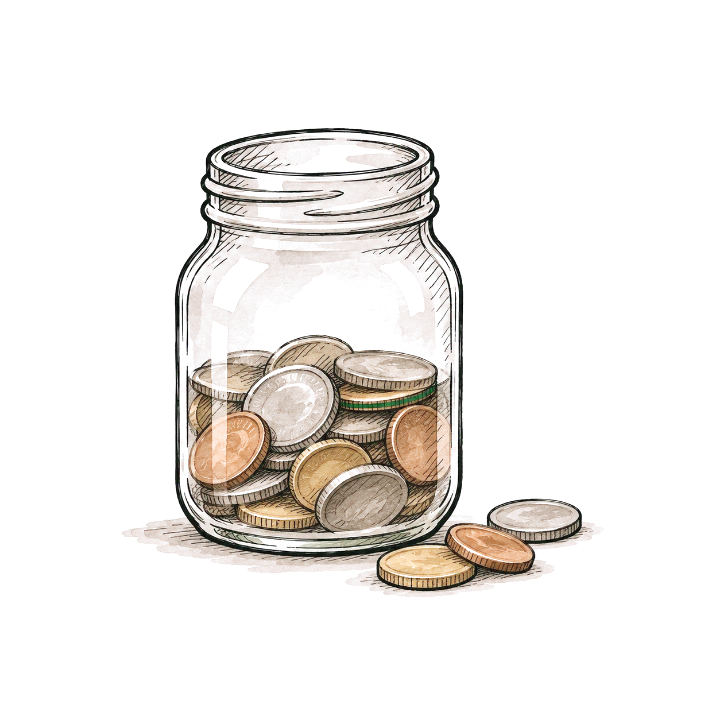
Deposits and partial payments
A deposit up front, the rest when the job is done.
Paid$1,240.00 of $1,240.00
Deposit · Sep 10$500.00Balance · Sep 17$740.00
THU 11:21 AM · IN THE DRIVEWAY
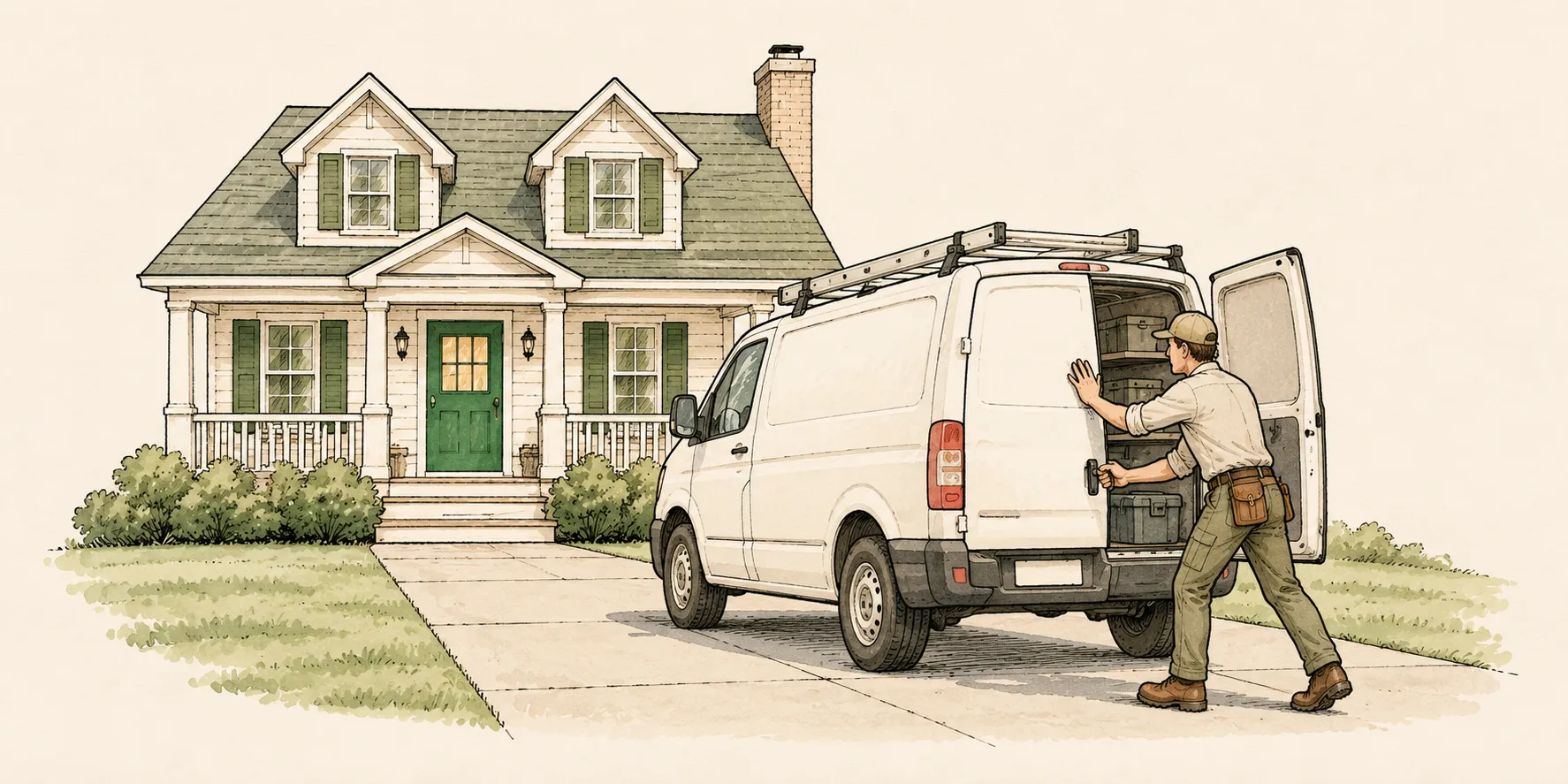
Turn a finished visit into an invoice in one tap, email it with a pay link, and get paid by card while you are still in the driveway.
Bill to
David Kowalski
2205 S Kensington Dr, Appleton, WI
Mark the visit done and the invoice is already there: the client, the address, and the line items from the job and your pricebook.
Email it from the driveway with a pay link, or share the link from your phone. No laptop, no evening of paperwork.
The status moves on its own, from Sent to Viewed, so you know the client has it without calling to ask.
They pay by card from the invoice, all of it or part of it. The payment is recorded and syncs to QuickBooks Online.
Bill to
David Kowalski
2205 S Kensington Dr, Appleton, WI
Every invoice carries a pay link. They pay from their phone, by card.
Type their card in on your phone before you start the van.
An email at 1, 7 and 30 days past due, until the invoice is paid.
A deposit up front, the rest when the job is done.

Invoices, payments and clients sync as they happen.
This is what your customer sees. Pay all of it or part of it, and watch it land on your side.
Core features every trade needs: scheduling, estimates, invoices, payments. Then customize it for yours with add-ons built for the way your trade actually runs.
Don't see your question? Ask the team.
Yes. Mark the visit done and create the invoice from the work order. The line items come from the job and your pricebook, and you can email it with a pay link or share the link from your phone before you leave.
Every invoice has a pay link. Clients pay by card from their phone or computer, in full or in part. In the field you can also type their card in on your phone. Deposits and partial payments are recorded against the invoice.
On Pro, yes. Fieldsity emails the client 1, 7 and 30 days after the due date while a balance is open, and stops once the invoice is paid. You choose which reminders are on.
Yes. On Starter and Pro your company logo goes on every invoice the client sees.
Yes. Invoices, payments and clients sync to QuickBooks Online as they happen, so there is no double entry. See the QuickBooks page for the details.


English - US
© 2026 Sity Global, Inc. All rights reserved.