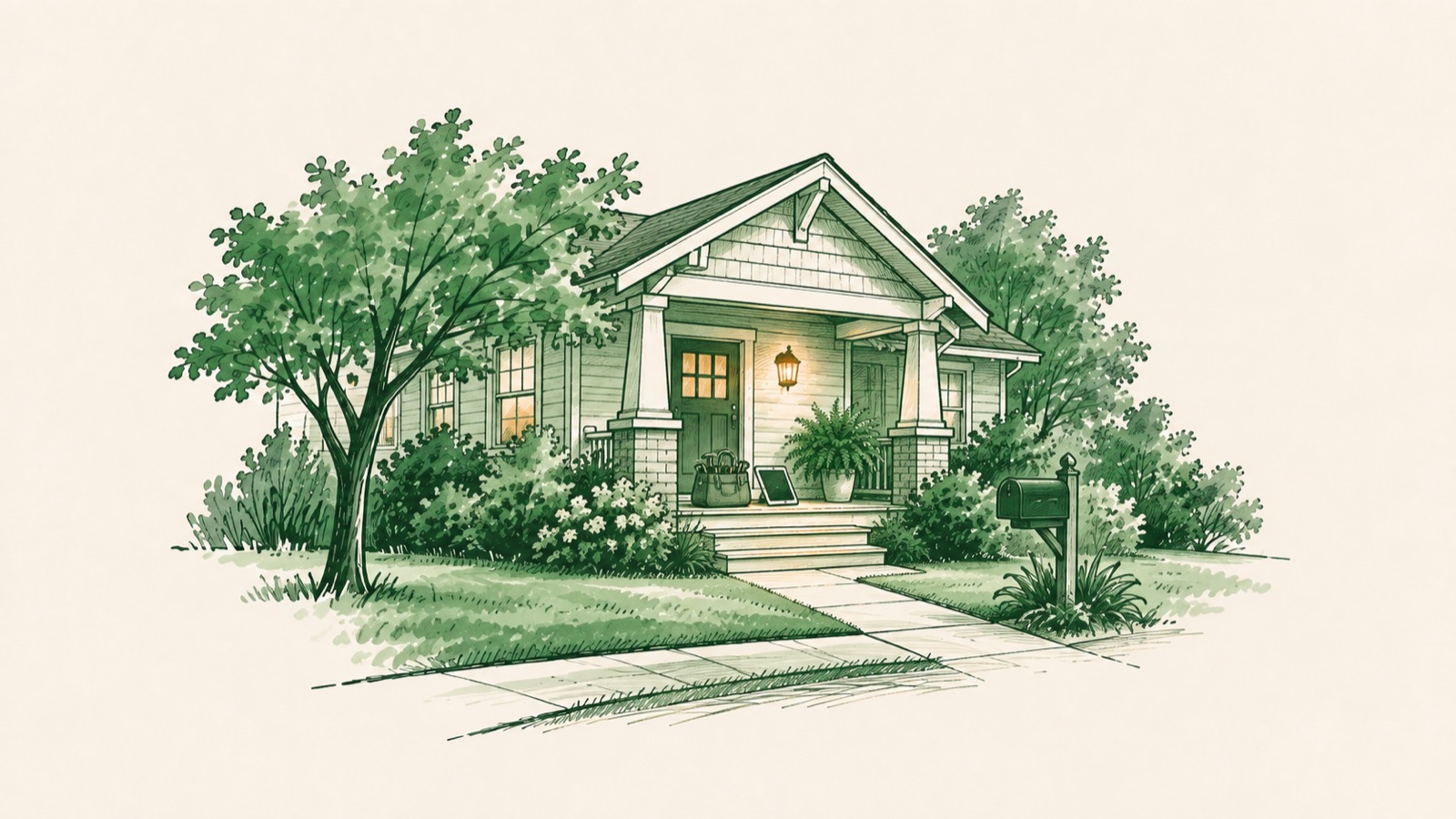
THU 10:42 AM · BEFORE WORK STARTS
Your paperwork, off the clipboard.
Build safety checklists, inspection forms and sign-offs once, attach them to jobs, and the team fills them in on site. Sending the client a PDF of what was done is optional.
Build it once. It follows the job.
- Step 1
Build it
In Settings. Start from a template or a blank form.
- Step 2
Attach it
To one job, or to every new job automatically.
- Step 3
Fill it in on site
On the phone, with photos and a signature. It saves as they go.
- Step 4
Send the PDF, if you want
Optional. Email it from the job, or share it in the client's portal.
Filled in when it matters.
Choose when each form is due. On a four-day job, that looks like this. On a one-visit job, all three land on that visit.
Start of the job
One copy, on the first visit. A site survey.
End of the job
One copy, due by the last visit. A final walkthrough.
Every visit
A fresh copy each visit. A safety checklist.
If a required question is blank when the visit is marked done, Fieldsity asks first. The team can still finish, and the activity feed says what was left.
Ask anything your paper form asks.
Checkbox
One thing to tick off.
Short answer
A line of text: a name, a serial number.
Long answer
A paragraph: notes, observations.
Single choice
Pick one from a list.
Multiple choice
Pick any that apply.
Number
A quantity, with a unit if it has one.
Date
Picked from a calendar.
Photos
From the camera or the gallery, up to ten.
Signature
Drawn with a finger or a mouse.
Start from one that's ready.
Seven templates to use as they are or make your own. Or start blank.
 Service authorizationStart of the job
 Site surveyStart of the job
 Final walkthroughEnd of the job
 Before and after photosEnd of the job
 Safety checklistEvery visit
 Chemical application recordEvery visit
 Start of dayEvery visit
 Blank formYou choose
Questions owners ask.
Don't see your question? Ask the team.
Yes, in the Fieldsity app on iPhone and Android, right on the visit. The office can fill it in on the web too.
Turn on automatic and the form lands on every new job. Mark questions required, and Fieldsity asks before a visit is marked done with any of them blank.
Only if you want. Each form has a Share with the client switch: on, and the filled-in form shows up in the client's portal; off, and it stays with your team. You can also email the PDF from the job.
Rebuild it with the nine question types, or start from a template and change what you need. Checkboxes, answers, choices, numbers with units, dates, photos and signatures.
Pro.
Put the clipboard in the truck for good.
Checklists, photos and sign-offs on the phone, attached to the jobs that need them. Start your free month today.